

Choosing the right logo maker is one of the most important factors while building a full visual identity. The wisely chosen design platform can take your brand to the next level with advanced AI tools, an intuitive interface, and comprehensive branding assets.
While there is a wide variety of creative software solutions available virtually, we’ll be exploring two of the most vital ones, comparing their key features, logo qualities, as well as overall usability to help you choose the right platform for your branding needs.
Design.com Against LogoAI: A Detailed Comparison
This guide focuses on a detailed comparison between Design.com and LogoAI, in terms of branding features and qualities each of the creative platforms has to offer.
Even though both of the listed logo makers bring essential features to the table and aim to simplify the logo creation process, they differ significantly in scope, flexibility, and overall branding capability.
Keep reading to find out more about the peculiarities of the AI logo makers.
Platform Overview
Design.com is a well-known branding and AI-powered design platform offering the biggest logo template library in the world.
LogoAI mostly focuses on a specific AI-generated logo creation, allowing users to generate several logo concept ideas based on business name and keywords.
Feature Overview
| Feature | Design.com | LogoAI |
| Library size | 400K+ logo templates & 1M+ design templates | Not listed publicly |
| AI tools | Advanced AI with a chat-based editor | Yes |
| Support | 24/7 via chat and email | Basic |
| Full branding | Yes, 50+ branding assets (business cards, flyers, posters, business name generator, social media posts, and more) | Logo-based |
| Exclusivity | Exclusive designs, 750+ fonts, 62K+ vector shapes | Standard assets |
| File formats | SVG, EPS, PDF, PNG, JPG, GIF, MP4, icon-only, transparent background | SVG, PNG |
| Commercial safety | 100% commercially safe designs | Basic rights |
| User-friendly | An intuitive and beginner-friendly interface | Simple interface |
| Customization | AI-powered, fully customizable templates | Manual edits for icons and colors |
| Collaboration options | Save, shortlist, and refine logo variations with teams | Mainly focused on single-user logo creation |
| Speed | Instant | Asks several questions before generating logos |
Logo Samples by Design.com
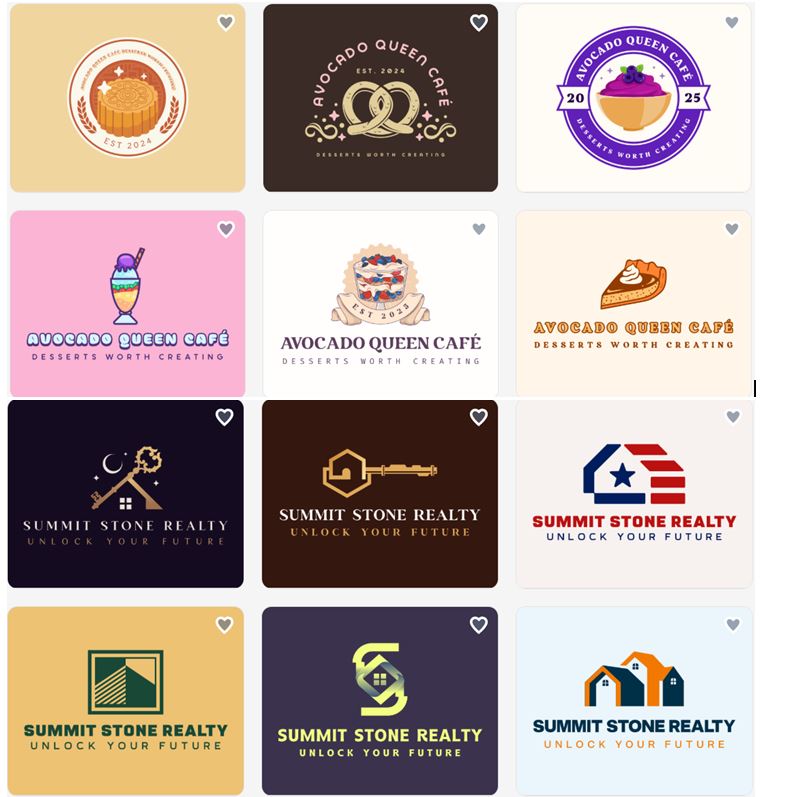
Logo Samples by LogoAI

Top Reasons to Choose Design.com
- Instant logo creation.
- A free plan is available for a wide selection of logo templates and additional branding assets.
- Downloading a free logo allows access to a website builder, link-in-bio tool, and digital business card, all 100% free to publish.
- Logo creation is based on a professional touch and an AI integration approach.
- Extended licenses are available for a selection of logos.
- Hundreds of exclusive fonts, shapes, icons, and more.
- Save your favorite designs to collaborate with your team later.
- Reliability guaranteed with a 4.7-star rating on TrustPilot by 3K+ users.
- Social, print, and web templates automatically inherit your logo colors for brand consistency across diverse platforms and designs.
- Design.com offers logos for all industries, with no limitations.
- Order your logo printed on business cards, mugs, t-shirts, etc., with free shipping.
Why Use LogoAI?
- Simple logo generator.
- Basic customization tools.
- Quick design concepts without diving into a complex design toolset.
- Beginner-friendly interface.
- Adjustable texts, icons, shapes, and colors.
- AI-based logo style recommendations.
Limitations of the Two Logo Makers
Design.com
- Well-suited for beginners and businesses of different sizes.
- Advanced designers may want deeper creative control.
- Design.com is web-based only.
- Not heavily developer-oriented.
LogoAI
- Limited customization control.
- The free tier generates logos with a watermark.
- More template-based rather than AI-generated.
- The logo creation processes take longer compared to Design.com.
- Limited branding suites. Not ideal for building a complete visual identity.
Pricing & Value
- Design.com offers a free tier and flexible pricing packages.
- The free tier gives unlimited customization and high-resolution logo downloads without watermarks.
- The paid plans start at just $3/mo billed annually.
- LogoAI offers a pay-per-download or tiered pricing structure, which may be better for one-time logo creation. The Basic Plan starts at $29 for a low-resolution download.
Which Logo Maker Wins
If you are looking for a creative solution that offers an all-in-one approach, built-in AI tools, speed, unique, and high-quality designs, then Design.com is the clear winner here.
Choose Design.com if you want a complete branding solution with scalability, customization, and a wide range of marketing assets beyond just a logo.
Choosing LogoAI will give you access to a simple, AI-generated logo maker for quick branding or early-stage projects.
Final Choice
While both design platforms are powerful, they serve different needs and purposes. Overall, if your goal is to build a strong and long-term brand identity, Design.com is the more complete and future-ready option.
Make a wiser choice and pick a platform that gives you the flexibility and toolset to experiment, compare, and refine your visual identity effortlessly, ensuring your brand not only looks professional today but continues to grow and evolve over time.
