
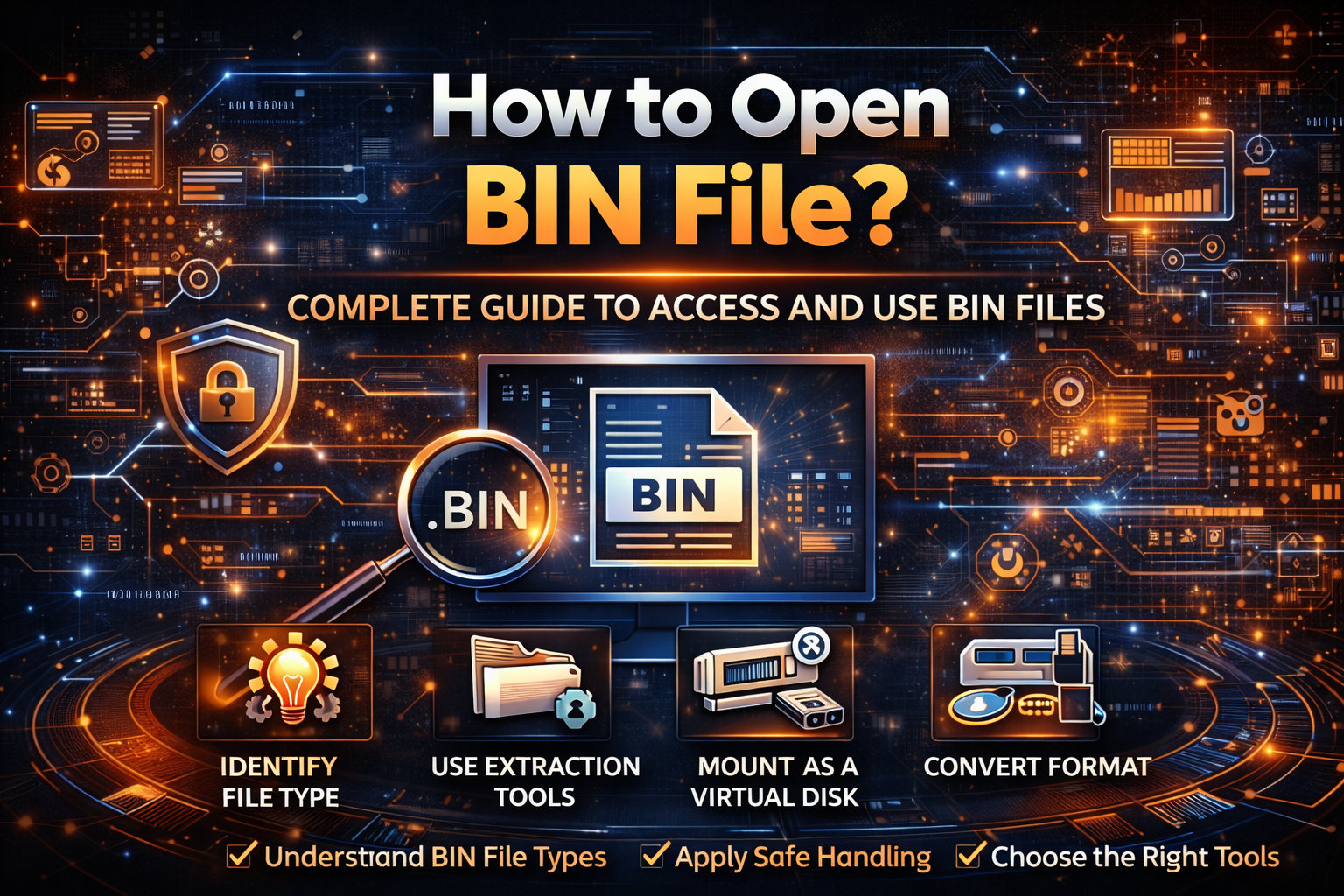
Introduction
Digital files come in many formats, each designed for a specific purpose. Among them, BIN files are often misunderstood due to their lack of immediate readability and clear structure. When users search how to open bin file?, they are typically facing a situation where a file cannot be accessed using standard tools.
Unlike common file formats such as PDFs or images, BIN files are binary containers. This means they store data in a format that is not directly human-readable, making them appear inaccessible without the right tools or context. However, with the correct approach, these files can be opened, interpreted, or extracted effectively.
This article provides a comprehensive and practical guide to understanding how to open bin file?, covering technical concepts, real-world scenarios, tools, and best practices to ensure safe and accurate file access.
Understanding BIN Files: What They Really Are
Before learning how to open bin file?, it is essential to understand what a BIN file represents. A BIN (binary) file is a container that stores data in raw binary format. This data can represent anything from software code to multimedia content.
Why BIN Files Exist
BIN files are used because they:
- Preserve exact data structure without conversion
- Support multiple data types in one file
- Enable efficient storage and transfer
- Maintain compatibility with specific systems or devices
Because of this flexibility, BIN files are widely used across software distribution, firmware updates, disc images, and gaming environments.
Types of BIN Files and Their Context
One of the biggest challenges when asking how to open bin file? is that not all BIN files are the same. The method depends entirely on the file’s origin and purpose.
Common Categories
- Disc Image Files – Often paired with cue files and used to replicate CDs or DVDs
- Firmware Files – Used for updating hardware devices
- Game Data Files – Found in console or PC games
- Executable Data Files – Contain program instructions
Understanding the source of the file is the first step toward opening it correctly.
How to Open BIN File? Step-by-Step Methods
There is no single universal method to open a BIN file. Instead, the approach depends on the file type. Below is a structured methodology.
Method 1: Identify the File Type
Before attempting to open the file:
- Check where the file came from
- Look for accompanying files (such as .cue)
- Analyze file size and naming conventions
This step prevents incorrect handling and potential errors.
Method 2: Use File Extraction Tools
If the BIN file contains compressed or packaged data, extraction tools can help.
Process:
- Install a file extraction program
- Open the BIN file within the tool
- Extract contents to a readable format
This method works well for archive-like BIN files.
Method 3: Mount the BIN File as a Virtual Disk
For disc image BIN files, mounting is the most effective approach.
Steps:
- Use a virtual drive software
- Load the BIN file into the virtual drive
- Access it as if it were a physical disc
This is commonly used for software installations and media playback.
Method 4: Convert BIN to ISO Format
In some cases, converting the file makes it easier to access.
Steps:
- Use a conversion tool
- Convert BIN to ISO
- Open the ISO file with standard tools
This method simplifies compatibility across platforms.
Method 5: Open with a Text or Hex Editor (Advanced)
If the file is small or unknown, advanced users may inspect it directly.
- Text editors show limited readable content
- Hex editors display raw binary data
This approach is useful for analysis but not for general use.
Tools Commonly Used to Open BIN Files
While tools vary, the key is selecting the right one based on the file’s purpose.
Categories of Tools
- File extraction software
- Virtual drive programs
- Conversion utilities
- Hex editors for analysis
Choosing the correct category is more important than the specific tool itself.
Real-World Examples
Understanding how to open bin file? becomes clearer through practical scenarios.
Example 1: Software Installation
A user downloads a BIN file containing installation data. By mounting it as a virtual drive, they can run the installer as if using a physical disc.
Example 2: Firmware Update
A device manufacturer provides a BIN file for firmware. In this case, the file is not meant to be opened but uploaded to the device.
Example 3: Game File Access
Gamers may encounter BIN files containing assets. These are typically accessed using specialized tools or game engines.
Common Challenges and Mistakes
Many users struggle with how to open bin file? due to avoidable errors.
Misidentifying the File Type
Opening a firmware BIN file with extraction software will not work. Understanding context is critical.
Assuming All BIN Files Are the Same
Each BIN file serves a different purpose. There is no universal opening method.
Using Unsafe Tools
Downloading unknown software to open BIN files can introduce security risks.
Strategic Best Practices
To approach how to open bin file? effectively, follow a structured strategy.
Recommended Approach
- Always identify the file source first
- Use trusted tools only
- Avoid modifying the file unless necessary
- Keep backups before attempting conversions
This ensures both safety and accuracy.
Differences from Standard File Formats
BIN files differ significantly from common formats.
Key Differences
- Not directly readable by default applications
- Require context-specific tools
- Often part of a larger system or process
- Designed for machines rather than users
This explains why users frequently search how to open bin file? when encountering them.
Long-Term Understanding: Why This Knowledge Matters
Learning how to open bin file? is not just about solving a one-time problem. It builds foundational knowledge about digital file structures.
Broader Benefits
- Improved technical literacy
- Better troubleshooting skills
- Increased confidence in handling unknown files
- Reduced dependency on trial-and-error methods
This knowledge becomes increasingly valuable in a digital-first world.
Authority & Trust: A Strategic Perspective
Understanding how to open bin file? is important from both a technical and security standpoint.
Security Considerations
BIN files can contain executable data. Opening them without proper understanding may expose systems to risks.
Data Integrity
Using the wrong method can corrupt the file or result in incomplete data extraction.
Ethical Usage
Respect licensing and usage rights when accessing BIN files, especially for software or media.
Risk Management
A cautious, informed approach minimizes potential issues and ensures safe handling.
Frequently Asked Questions (FAQ)
1. What is a BIN file and why can’t I open it directly?
A BIN file is a binary file that stores data in a machine-readable format. It cannot be opened directly because it lacks a standard structure for human-readable applications. Understanding how to open bin file? depends on identifying its purpose and using the appropriate tool.
2. How to open bin file on a computer?
To answer how to open bin file?, you can use extraction software, mount it as a virtual drive, or convert it to another format like ISO. The method depends on whether the file is a disc image, firmware, or data container.
3. Can I convert a BIN file to another format?
Yes, converting is often part of solving how to open bin file?. Tools can convert BIN files to ISO or other formats, making them easier to access with standard applications.
4. Is it safe to open BIN files?
Opening BIN files is generally safe if they come from trusted sources. However, since they can contain executable data, it is important to follow secure practices when exploring how to open bin file?.
5. Why does my BIN file not work with extraction tools?
Not all BIN files are archives. Some are firmware or executable files. Understanding how to open bin file? requires identifying the file type before choosing a tool.
6. Do I always need special software to open BIN files?
In most cases, yes. Since BIN files are not standard formats, special tools are usually required. The exact tool depends on the file’s purpose and structure.
Conclusion
The question how to open bin file? reflects a broader challenge in navigating complex digital file systems. While BIN files may initially seem inaccessible, they are simply structured differently from everyday formats.
By understanding their purpose, identifying their type, and using the correct tools, users can safely and effectively access their contents. More importantly, this process builds valuable technical awareness that extends beyond a single file type.
In a digital environment where file diversity continues to grow, mastering concepts like how to open bin file? is not just helpful it is essential for confident and informed technology use.
