
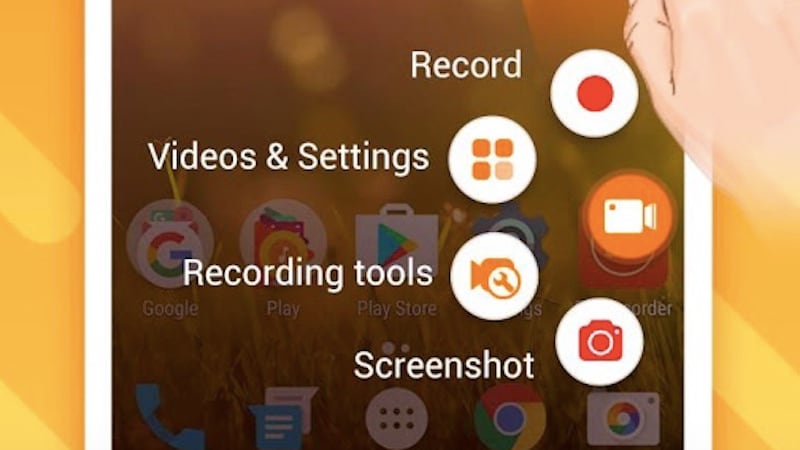
Do you already have a screen recorder installed on your computer? If you do not you should definitely think about getting one – as it has more advantages than you might think.
In fact if you’re running macOS Mojave you will have one built into the screen capture tool. Similarly if you’re on Windows 10 you can technically use its Game DVR feature as a screen recorder too.
But before you try to use either of the built-in screen recorders or go out and find one – you should know what a screen recorder does, and why having one can be useful.
“What is a Screen Recorder?”
As you can guess a screen recorder is a tool that is designed to allow you to record video footage directly from your screen. The videos that are recorded from your screen are known as screencasts, which is why screen recorders are also sometimes referred to as screencast software.
Typically screen recorders can also record the system audio from your computer, i.e. the audio from your speakers. Some may have other features as well to record audio from external devices, video from a webcam, or record the screen of other connected devices – such as mobile phones or tablets.
Ways in Which a Screen Recorder Can Be Used
The reason why you should get a screen recorder is because it can be used in a variety of different ways. Some of the ways that you may find that it comes in handy are to:
- Report errors or issues
When you encounter an error or technical issue, you could record a video that ‘shows’ what the problem is. That way you don’t need to try to put it into words when you explain it to technical support or to your more tech-savvy friends and family who you may ask to help.
If you want you could even upload the video to YouTube and then post a link to it on tech support forums. Alternatively you could publish it on social media to get the help you need.
- Create instructional videos
No other option is as good as creating instructional videos that show people how to perform tasks involving any digital product or platform. With a screen recorder you can record footage that shows each step clearly – and possibly include a voiceover to explain it further.
Odds are you’ll have seen many video tutorials created using screen recording – due to how popular it is.
- Record video calls
Because it can record anything that is on your screen, you can use a screen recorder to record video calls on platforms such as Google Hangouts or Skype. That will give you a way to save important calls that are business related, or memorable conversations with your friends and family.
It should be noted that this option can also be used to create content – such as expert interviews, Q&A sessions, or discussion panels.
- Save online streaming videos
Ever since screen recording started to become more accessible it has often been used as a tool to save online streaming videos. Instead of ‘downloading’ the videos directly it will let you record and save them while they play on your screen.
In this way you can save any type of online streaming video, whether it is live, within an app, or ephemeral content.
All in all you should be able to see the diverse range of ways in which screen recording can be used – and that’s really just the tip of the iceberg. Simply put it is the single most effective way to save any content from your screen.
Conclusion
If you don’t already have a screen recorder you should give Movavi Screen Recorder a try. To start recording a video using it you just need to follow the instructions at https://www.movavi.com/support/how-to/how-to-convert-swf.html It is truly user-friendly, and its features will let you set up the recording parameters such as the capture frame, frame rate, audio source, volume levels, and more.
Make no mistake having a screen recorder installed on your computer can make a world of difference. It will definitely expand your options significantly, and allow you to do things that you may not have even considered in the past.

Author: 99 Tech Post
99Techpost is a leading digital transformation and marketing blog where we share insightful contents about Technology, Blogging, WordPress, Digital transformation and Digital marketing. If you are ready digitize your business then we can help you to grow your business online. You can also follow us on facebook & twitter.