
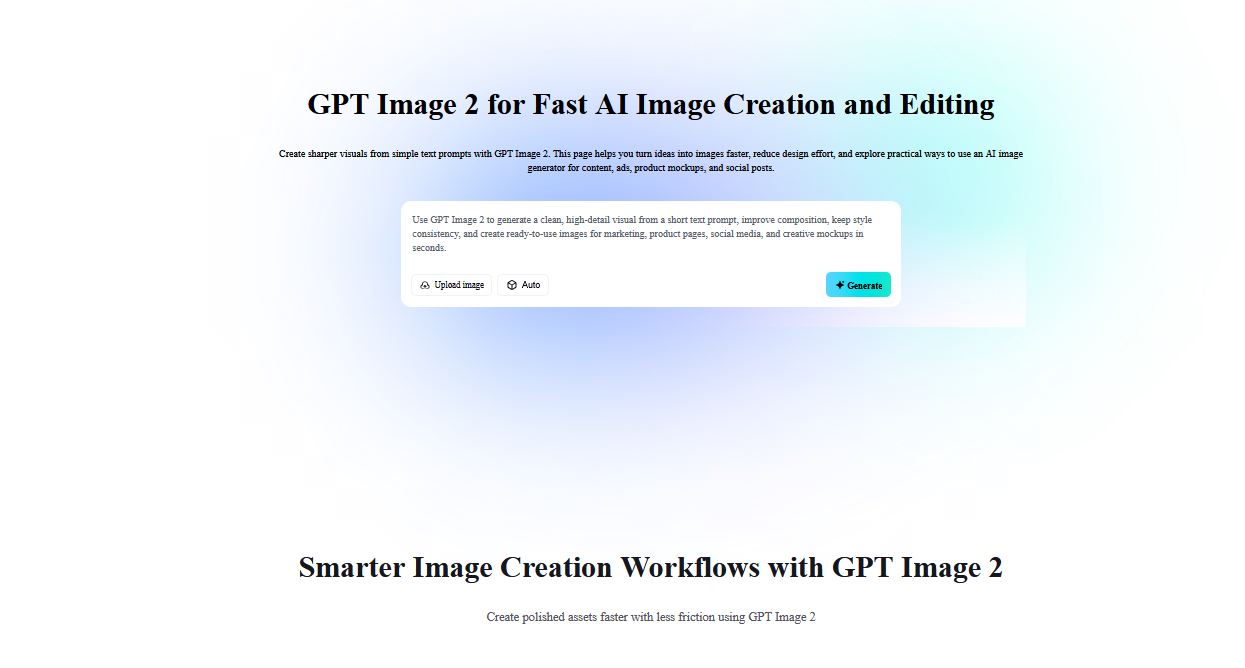
Artificial intelligence has changed how people create digital content. Tasks that once required professional design skills can now be completed through simple text prompts. One of the latest developments in this space is GPT Image 2, a technology that allows users to generate images from written instructions within minutes.
Whether you are a blogger, marketer, social media creator, educator, or small business owner, AI-generated visuals can help you produce content faster without relying on traditional graphic design workflows. Understanding how to use GPT Image 2 effectively can help you create images that match your goals and improve the overall quality of your digital content.
What Is GPT Image 2?
GPT Image 2 image creation tool is an AI-powered image generation model that creates visuals based on text descriptions. Instead of manually designing graphics, users simply describe what they want to see, and the system generates an image that matches the request.
The technology combines natural language understanding with image generation capabilities. This allows users to create illustrations, marketing graphics, concept art, product visuals, educational diagrams, and social media images without advanced technical knowledge.
Many online platforms now integrate GPT Image 2 into their services, making image generation accessible directly through web browsers.
Why AI Image Generation Is Growing
The demand for visual content continues to increase across websites, social media platforms, and online marketing campaigns. Businesses and creators need images regularly, but creating them from scratch often requires time, design expertise, and specialized software.
AI tools reduce these barriers by allowing users to turn ideas into visuals almost instantly. This approach helps creators test concepts, produce supporting graphics for articles, and generate unique images for different campaigns.
As a result, AI image generation is becoming part of the everyday workflow for many content creators.
How to Create AI Images Online with GPT Image 2?
Creating images with GPT Image 2 is a straightforward process. Most platforms follow a similar workflow.
Step 1: Choose a Platform
Start by selecting a platform that offers access to GPT Image 2. Many AI services integrate image-generation capabilities directly into their web applications.
Before choosing a platform, consider factors such as image quality, generation speed, editing features, and pricing plans.
Step 2: Define Your Image Idea
Think clearly about the image you want to create. The quality of the final result often depends on how detailed your instructions are.
Step 3: Write a Detailed Prompt
Prompt writing plays a major role in image generation.
A strong prompt often includes:
- Subject of the image
- Background details
- Lighting conditions
- Camera angle
- Art style
- Colors
- Intended use
For example:
Detailed prompts generally produce more relevant results than short instructions.
Step 4: Generate the Image
After entering your prompt, click the generate button. The system will analyze the text and create one or more images based on your description.
Most platforms complete this process within seconds or minutes depending on server demand and image complexity.
Step 5: Review and Refine
AI-generated images rarely require perfection on the first attempt. Review the output carefully and make adjustments to the prompt if necessary.
You can modify details such as:
- Background elements
- Colors
- Composition
- Character appearance
- Lighting
- Image style
Prompt refinement is often the key to achieving better results.
Step 6: Download and Use the Image
Once satisfied with the final image, download it in the available format and use it for your intended project.
Common use cases include:
- Blog illustrations
- Social media posts
- Presentation graphics
- Marketing materials
- Educational content
- Website visuals
Tips for Better Results
To get the most from GPT Image 2, consider the following practices:
Be Specific
Clear instructions produce more accurate images. Include important visual details rather than relying on broad descriptions.
Focus on One Main Idea
Overly complex prompts can sometimes lead to inconsistent results. Start with a primary concept and add supporting details gradually.
Experiment Frequently
Different prompt variations can produce significantly different outputs. Testing multiple versions often helps identify the strongest image.
Use Style References
If you want a particular visual appearance, mention it in the prompt. Examples include photography, watercolor, sketch, digital art, or minimalist illustration.
Benefits of Using an AI Image Creation Tool
An AI-powered image creation tool can save time and reduce production costs compared with traditional design workflows.
Some key benefits include:
- Faster content production
- Lower dependency on design software
- Easy experimentation with creative concepts
- Support for non-designers
- Quick generation of multiple visual variations
These advantages make AI-generated imagery useful for both individuals and organizations.
The Future of AI Image Creation
As AI models continue to improve, image generation tools will likely offer better accuracy, stronger editing capabilities, and greater creative control. Future systems may allow users to refine images through natural conversations rather than repeated prompt adjustments.
